BEFORE YOU GO
The hour worth going out in
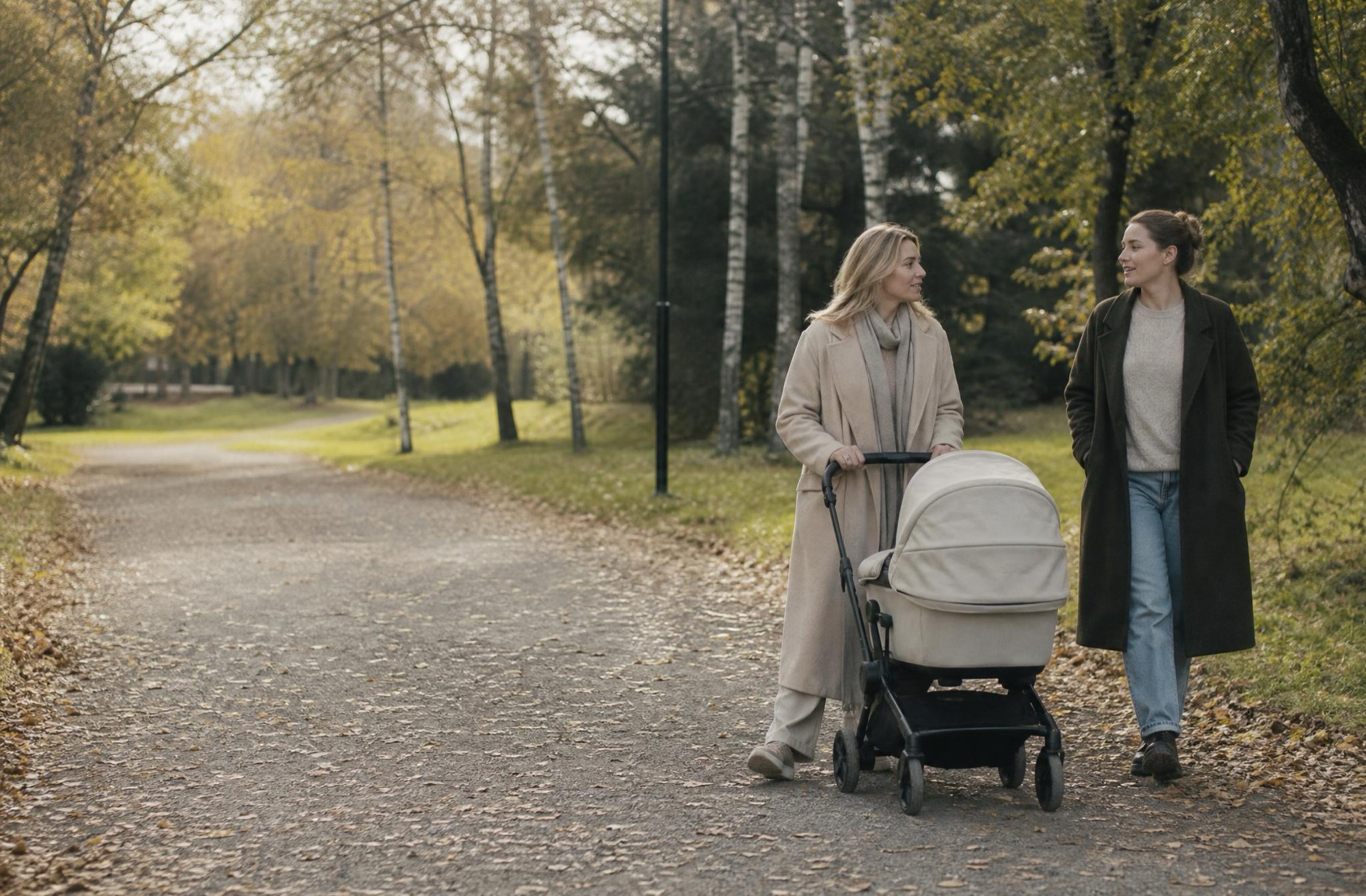
Lunka reads the forecast where you are and tells you when the dry, bright window falls today. A reason to go at three instead of not at all.
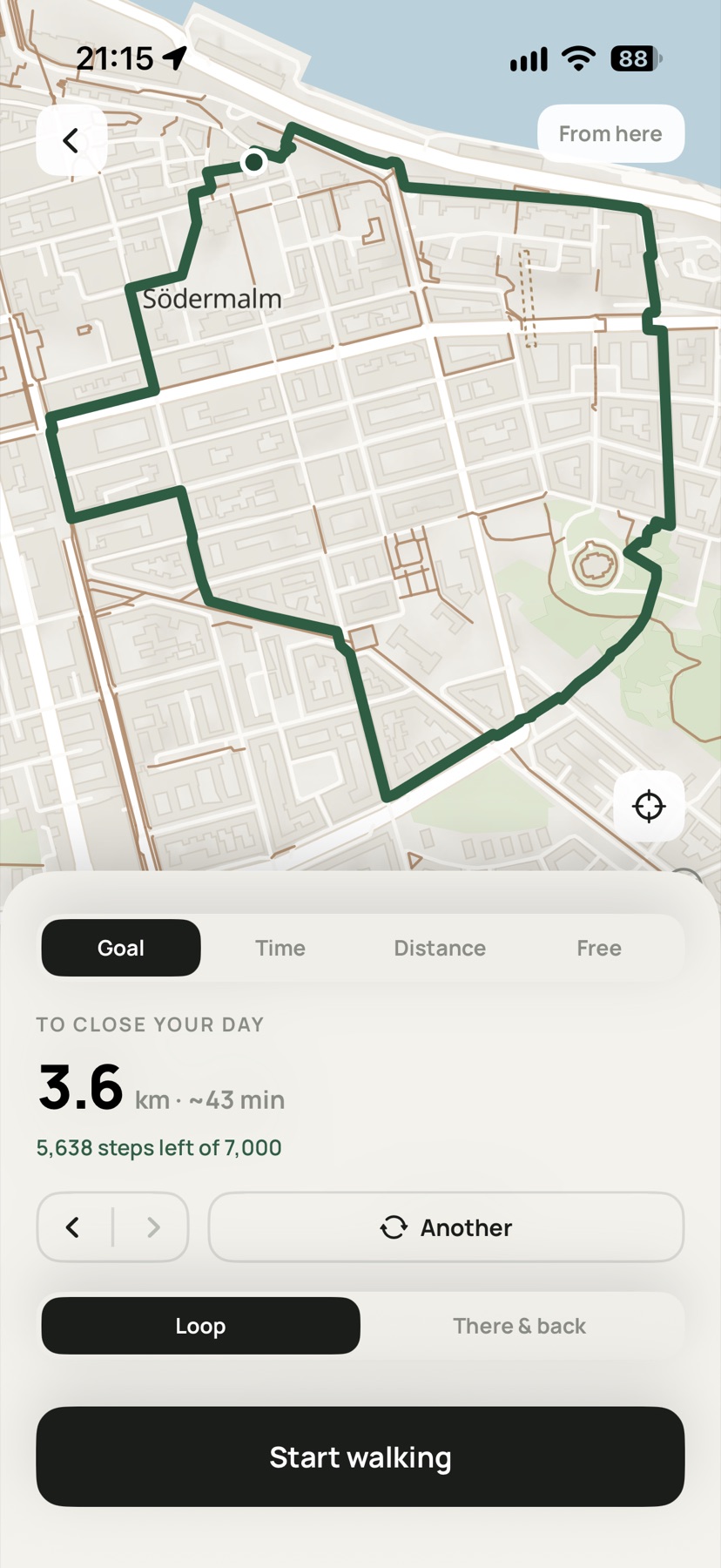
Lunka does the arithmetic and hands you a route from your door — the length you actually need. Walk it with the people you chose, or with nobody at all.
Every other app shows you a number and leaves the rest to you. Lunka finishes the thought: 5,638 steps is 3.6 km, about 43 minutes, and here is a loop that ends back at your door.
You walk to close the day. The steps happen on their own.
Twelve guided routes a month come free with Lunka. Lunka Plus, a paid subscription, lifts the limit and keeps every walk and route — the price is shown in the App Store before you buy. Recording your own walk is always free.
Lunka reads the forecast where you are and tells you when the dry, bright window falls today. A reason to go at three instead of not at all.
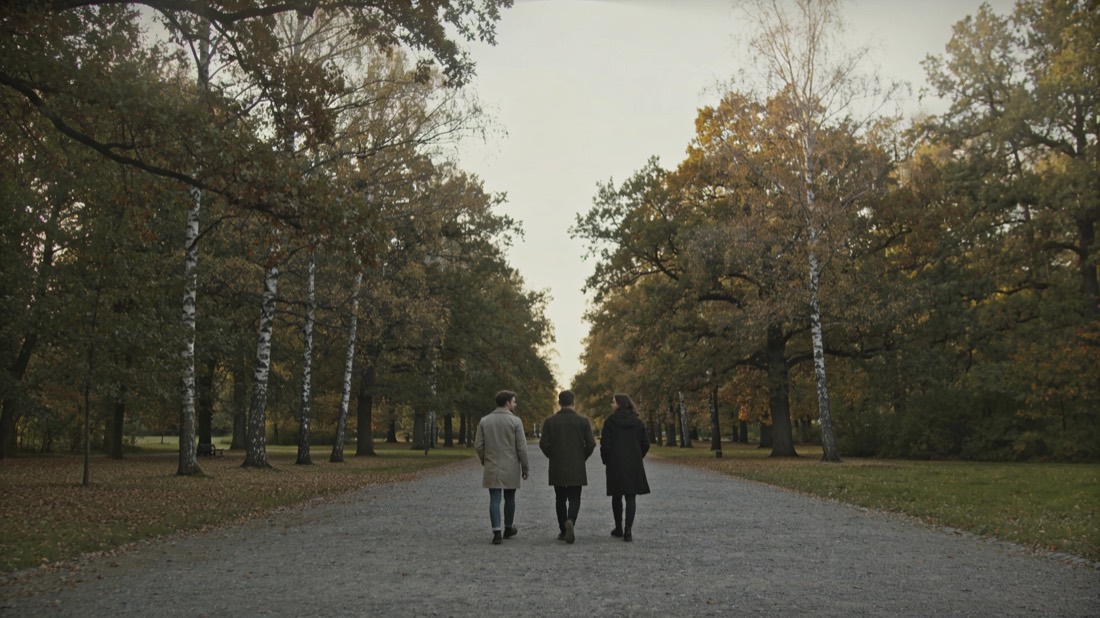
See that three of five walked today. Send an invite for six o'clock. Nobody is ranked, nobody is beaten — there is no table to be bottom of.
Two seconds after every walk, Lunka asks how you feel. Over a month that becomes your own evidence that walking works.
There is no public profile, no discover tab, no strangers and no leaderboard. Your walks are visible to the people you invited and to nobody else. Lunka is closer to a group chat than a feed.
Free to use: your steps, your streak, your circle and twelve guided routes a month stay free for good. Plus is there if you want a route every day.